Step 3 of 3: Running Your Application
In This Topic
In the last step, you added code to control the appearance of your application. In this step, you will run your application.
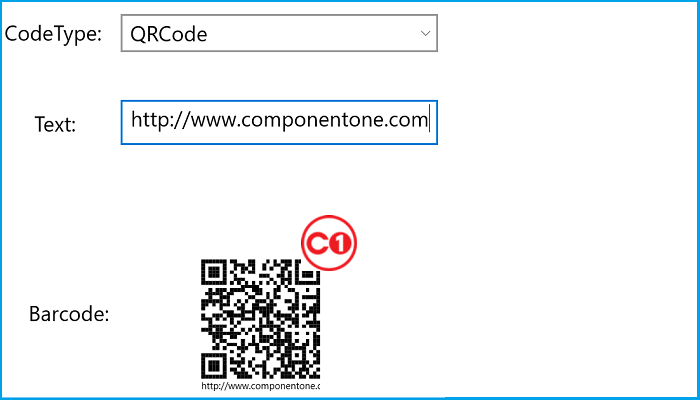
- Select Start Debugging or press F5 to start your application. It should resemble the following image:
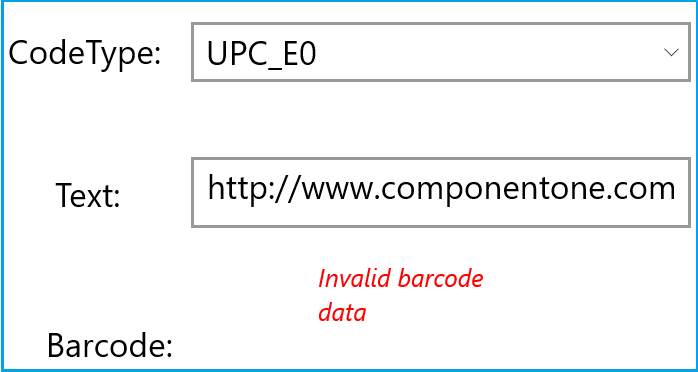
- Select a new CodeType from the CodeType drop down list. Since the text is set to a URL, for many of the CodeTypes, there will be an error message:
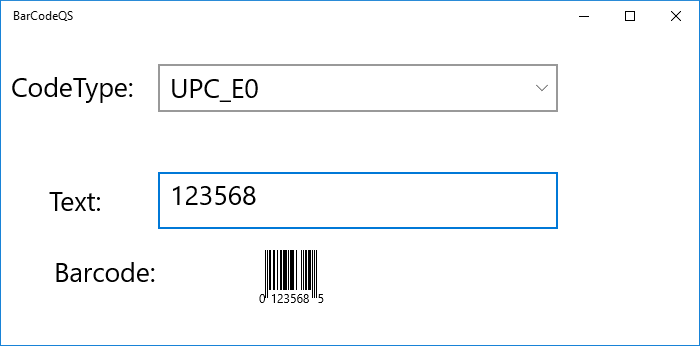
- Finally, change the value in the Text TextBox:
What You've Accomplished
In this Quick Start, you created a new Visual Studio application, added XAML markup to create the framework for your application, and added code to control TextChanged and SelectionChanged events.

